Thanks for downloading 5fifi Flow! Unlike macOS or Windows, Linux doesn’t show a security warning when you open it. Instead, there are two quick one-time setup steps needed so the app can play sounds and hear your mechanical keyboard sound and mouse sound. Here’s exactly what to do.
1. Download and extract
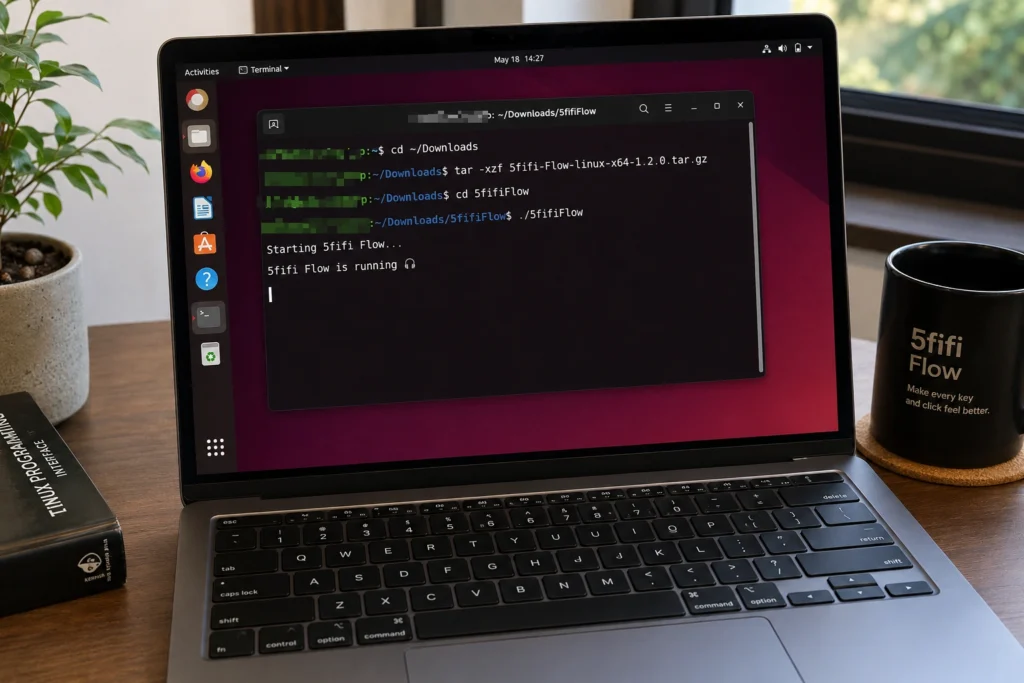
Download the .tar.gz for your system (64-bit or ARM64). From a terminal:
tar -xzf 5fifi-Flow-linux-x64-*.tar.gz
Or right-click the file in your file manager and choose Extract.
2. Install OpenAL (audio)
5fifi Flow uses OpenAL to play sound. Install it for your distro:
- Ubuntu/Debian:
sudo apt install libopenal1 - Fedora/RHEL:
sudo dnf install openal-soft - Arch:
sudo pacman -S openal
3. Join the input group (one-time)
5fifi Flow needs permission to read keyboard and mouse events at the system level so it knows when to play a sound. On Linux, this means your account needs to belong to the input group:
sudo usermod -aG input $USER
Then log out and log back in for this to take effect (a full restart also works). This step is the same on both X11 and Wayland desktops. 5fifi Flow does not record or store what you type; it only detects that a key or click event happened.
4. Run 5fifi Flow
From the extracted folder:
./5fifiFlow
That’s it, you’re set. If you run into any trouble, use the Report Bug link in the app’s menu, or reach out on the Help or Contact page. Enjoy the quiet, my friend
Prefer a guided walkthrough? Feel free to ask an AI assistant such as ChatGPT, Claude, Gemini, or Copilot to walk you through these steps.”
Wishing you a happy and peaceful day ahead.
— from 5fifi Flow Founder